.png)
How do birthday and work anniversary automations work?
Automations create birthday and work anniversary Thankboxes for your team automatically, so no celebration gets missed. Set them up once and let them run.
How do automations work?
Head to the Admin area and select Automations from the sidebar. Once an automation is switched on, here's what happens for every birthday or work anniversary:
- A Thankbox is created in advance, as early as you choose.
- It's assigned to the recipient's Happiness Lead, who gets an email letting them know.
- The Happiness Lead manages the Thankbox - inviting contributors, moderating messages and customizing the design.
- On the day, it's either sent automatically or sent by the Happiness Lead - depending on your settings.
For an automation to fire for all users, each of them needs their birthday or joining date and a Happiness Lead set on their account. If anything's missing, you'll see a red alert at the top of the section. It's worth filling these in so no one gets skipped.
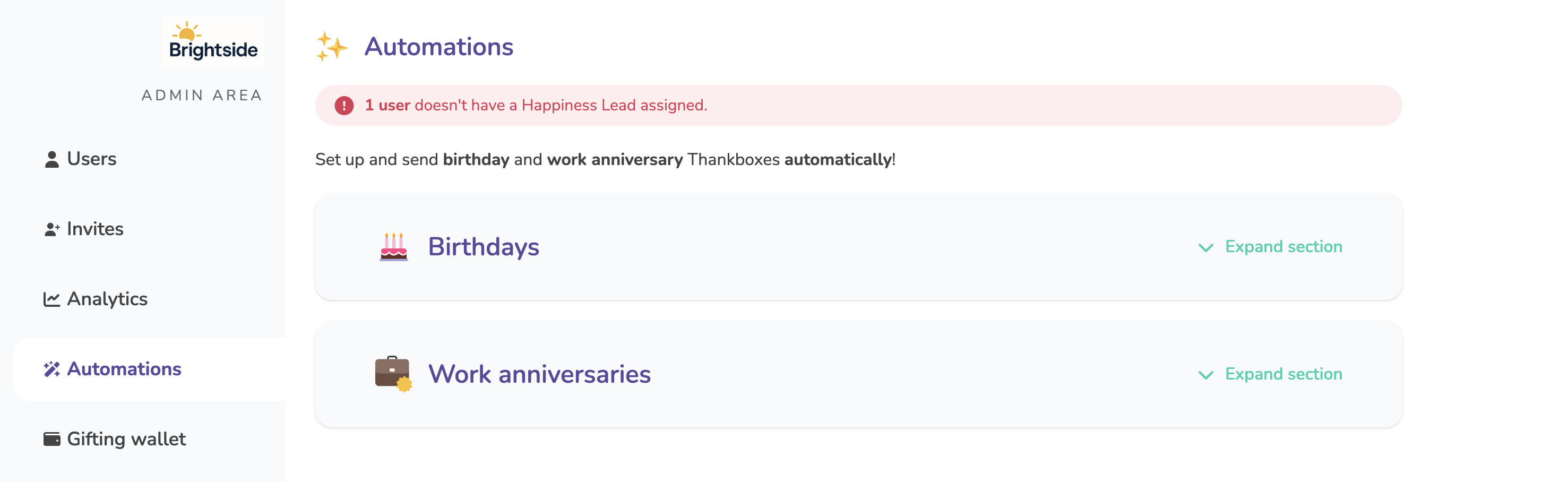
Turning on the automation
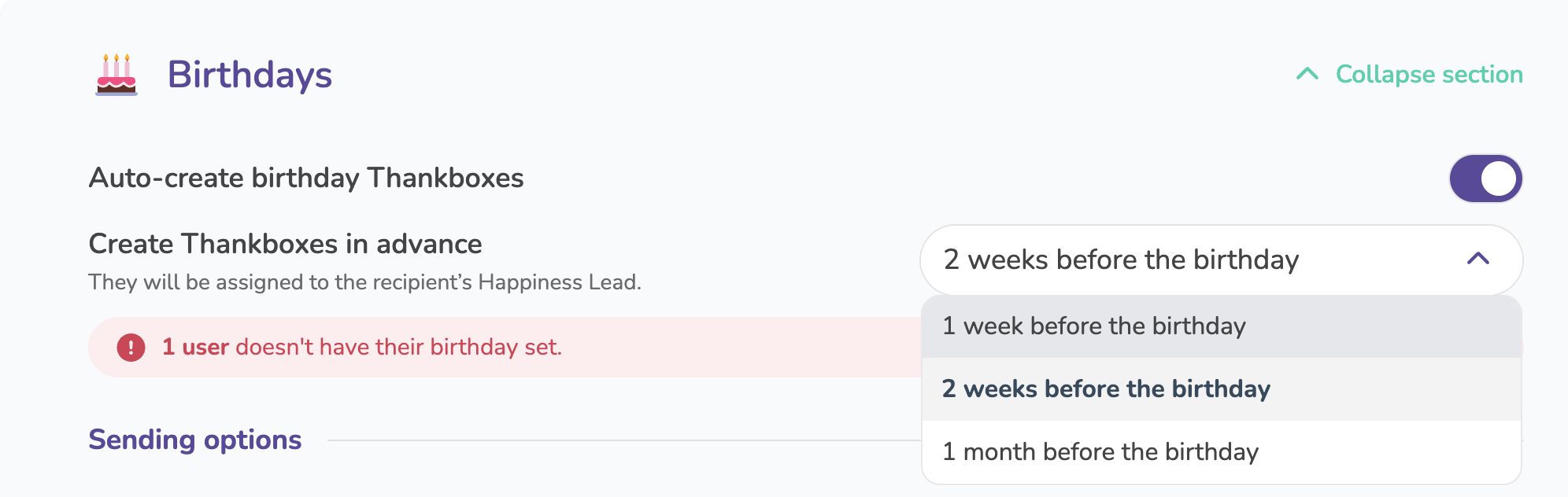
Switch on Auto-create birthday Thankboxes (or Auto-create Work Anniversary Thankboxes) to get started. Then use Create Thankboxes in advance to choose how early each one is created: 1 week, 2 weeks, or 1 month before the date. Every Thankbox created this way is assigned to the recipient's Happiness Lead.
Sending options
This is where you decide how each Thankbox goes out.
- Auto-send on the date: When this is on, the Thankbox is sent automatically at the time and timezone you set. When it's off, the Thankbox is still created, but the Happiness Lead sends it manually.
- Don't auto-send Thankboxes with a low message count: Switch this on to avoid sending an empty Thankbox. Set your Low message count threshold, and if a Thankbox has fewer messages than that on the send date, the auto-send fails, and the Happiness Lead gets an email so they can follow up.
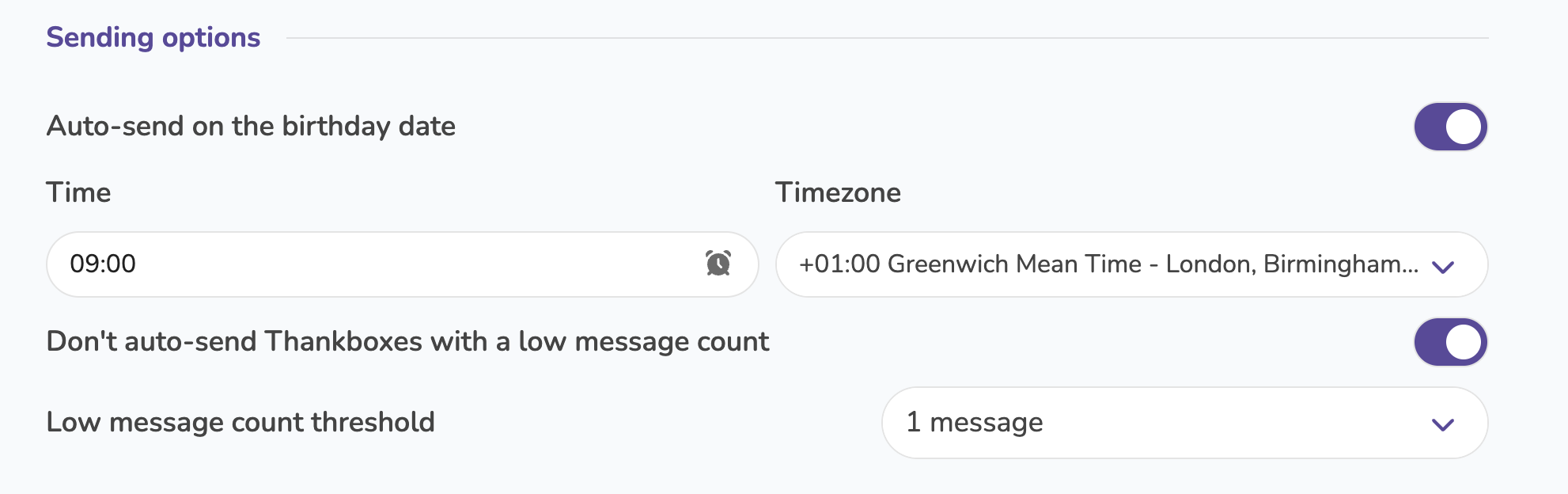
💡 A small threshold is a handy safety net, so no one receives a Thankbox with very few messages inside.
Template options
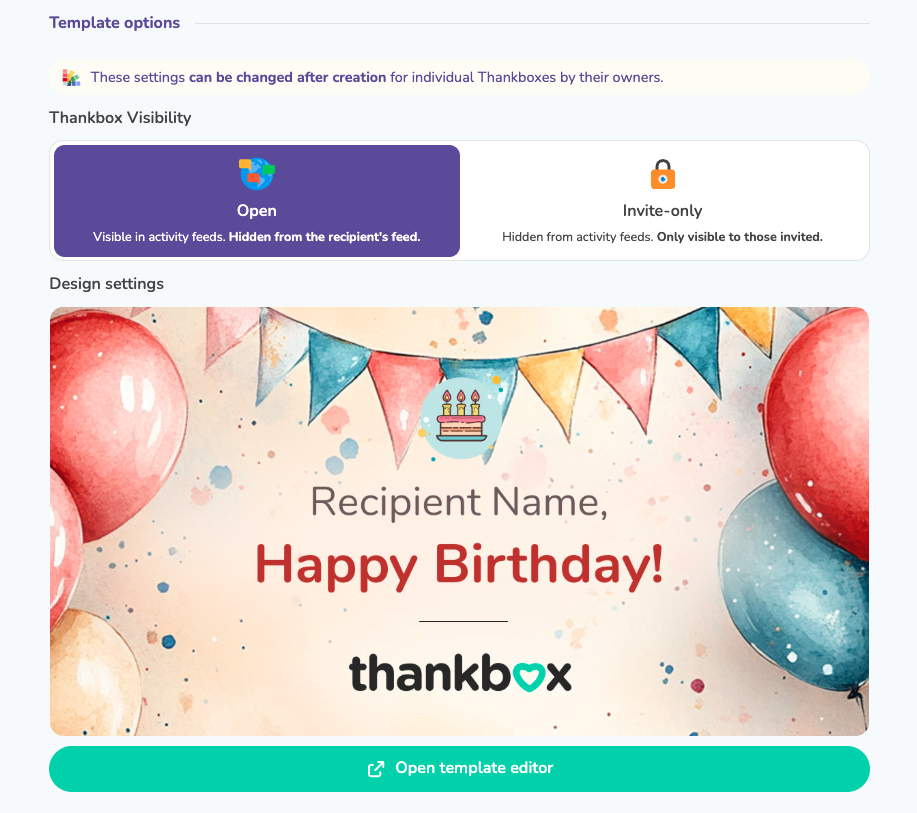
These settings can be changed after creation for individual Thankboxes by their owners.
Thankbox Visibility controls who can see and contribute:
- Open - Visible in activity feeds, so anyone in your organisation can find and add to it. It stays hidden from the recipient's own feed to keep it a surprise.
- Invite-only - Hidden from activity feeds. Only people the Happiness Lead invites can see it and contribute.
Under Design settings, you can preview the template and open the template editor to customise it. If you don't select a template, we'll pick a random Birthday/Work Anniversary design from our library, so there's always something ready to go.
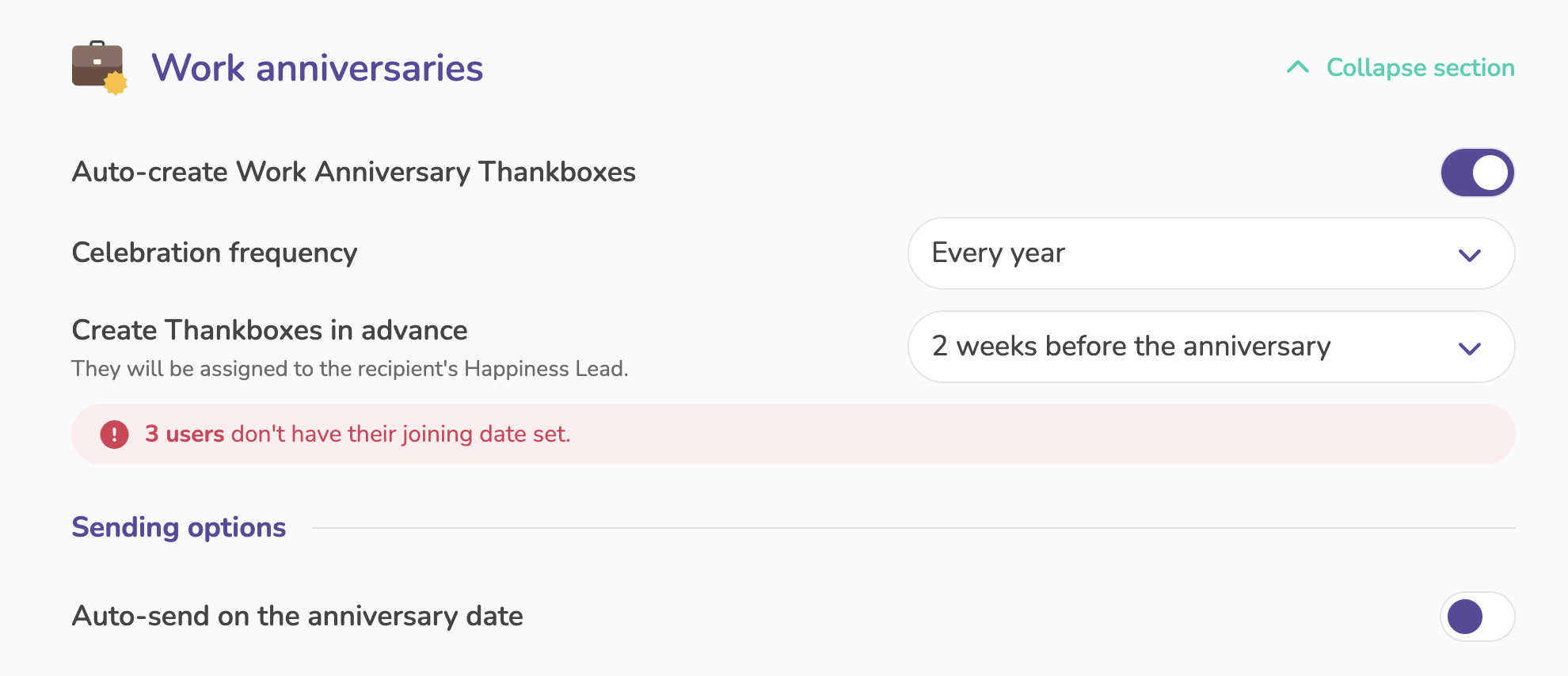
What's different for work anniversaries?
Work anniversaries work the same way but are sent on the work anniversary date, and you can select a Celebration frequency to celebrate only certain milestones.