.png)
What is the difference between an Open and Invite-only Thankbox?
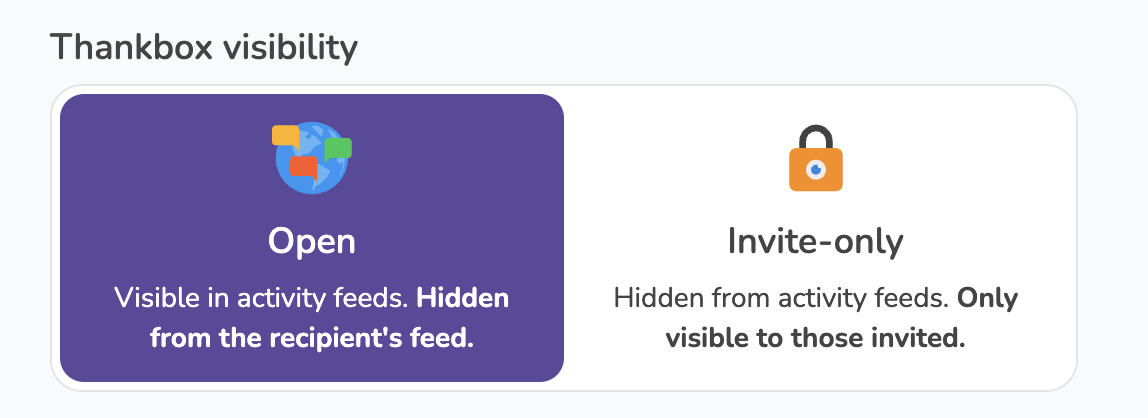
Every Thankbox created in a company account is either Open or Invite-only. The difference is who can find it in the Activity Feed and access it.
An Open Thankbox appears in the Activity Feed for everyone in your company account, so colleagues can spot it and join in without being invited. It's automatically hidden from the recipient's own feed, so the surprise stays intact.
An Invite-only Thankbox is hidden from the Activity Feed entirely. Only people you invite can see it. That includes the recipient, so if you invite them, they'll see the Thankbox in their feed.
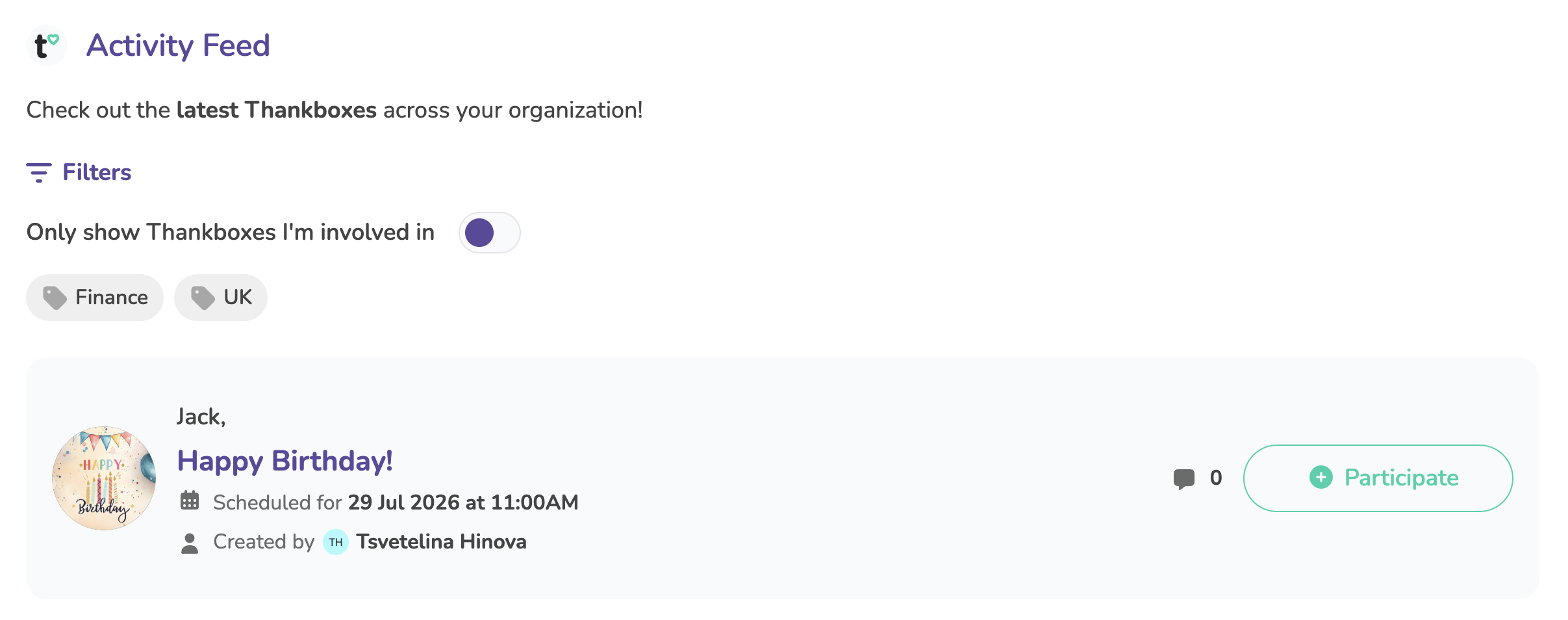
Note: Open visibility is the default for new Thankboxes, and you can change it at any time.
Where do I set the Thankbox visibility?
You'll see the Thankbox visibility option when you create a Thankbox and in the automation flows.
For automations, the setting applies to every Thankbox created from that flow, but individual owners (the Happiness leads) can still change it on their own Thankbox afterwards.
How to change the Thankbox visibility after creation?
The Happiness Lead, account owner, and admins can change visibility on any Thankbox in the account.
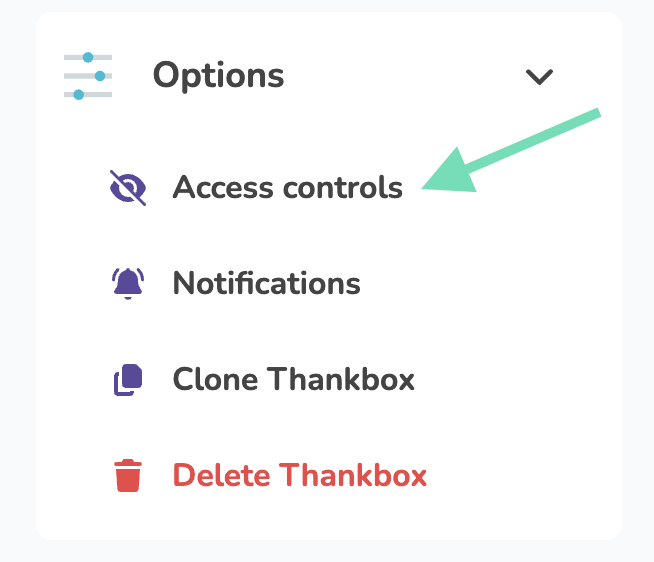
- Open your Thankbox and go to Options
-
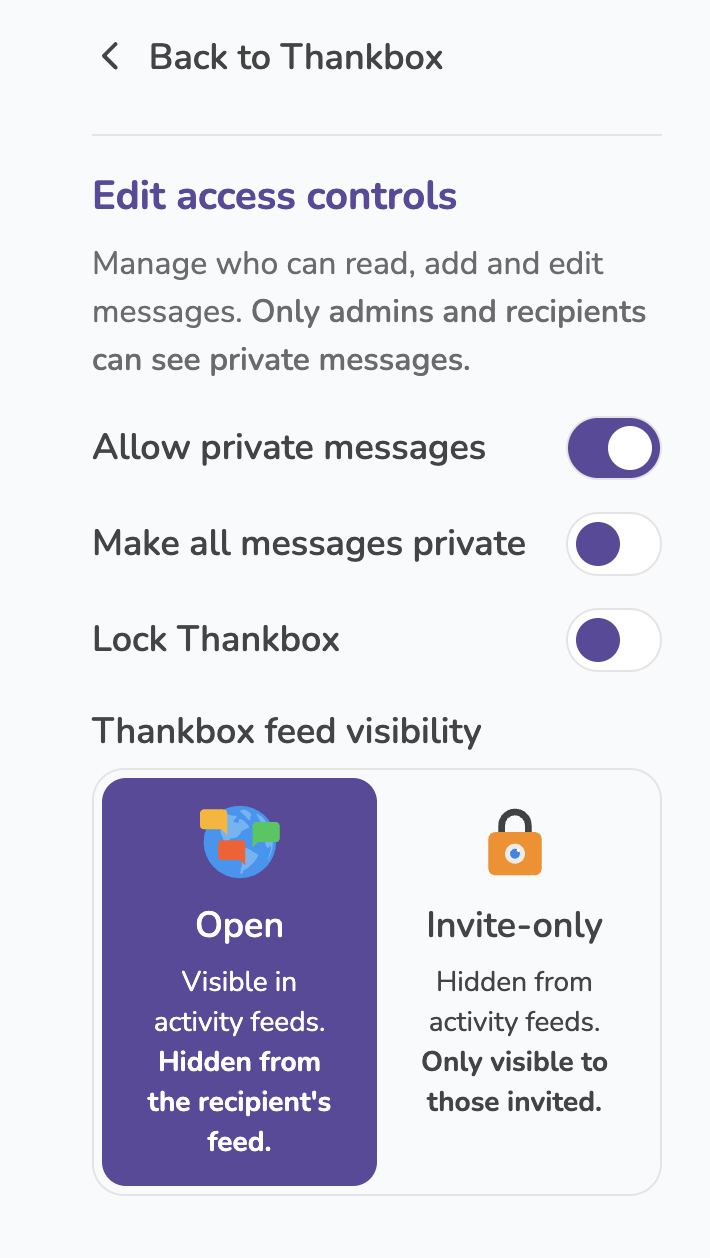
Select Access controls
- Under Thankbox feed visibility, pick Open or Invite-only
The setting can still be changed after the Thankbox is sent, though there's little point by then. The recipient will already have access through the special recipient link they receive.