.png)
Can I add birthday and joining dates to users?
Yes! Thankbox for Business allows you to add and manage birthday and joining date information for users.
These details help automate celebrations and keep user profiles up to date.
There are two ways to add or update this information:
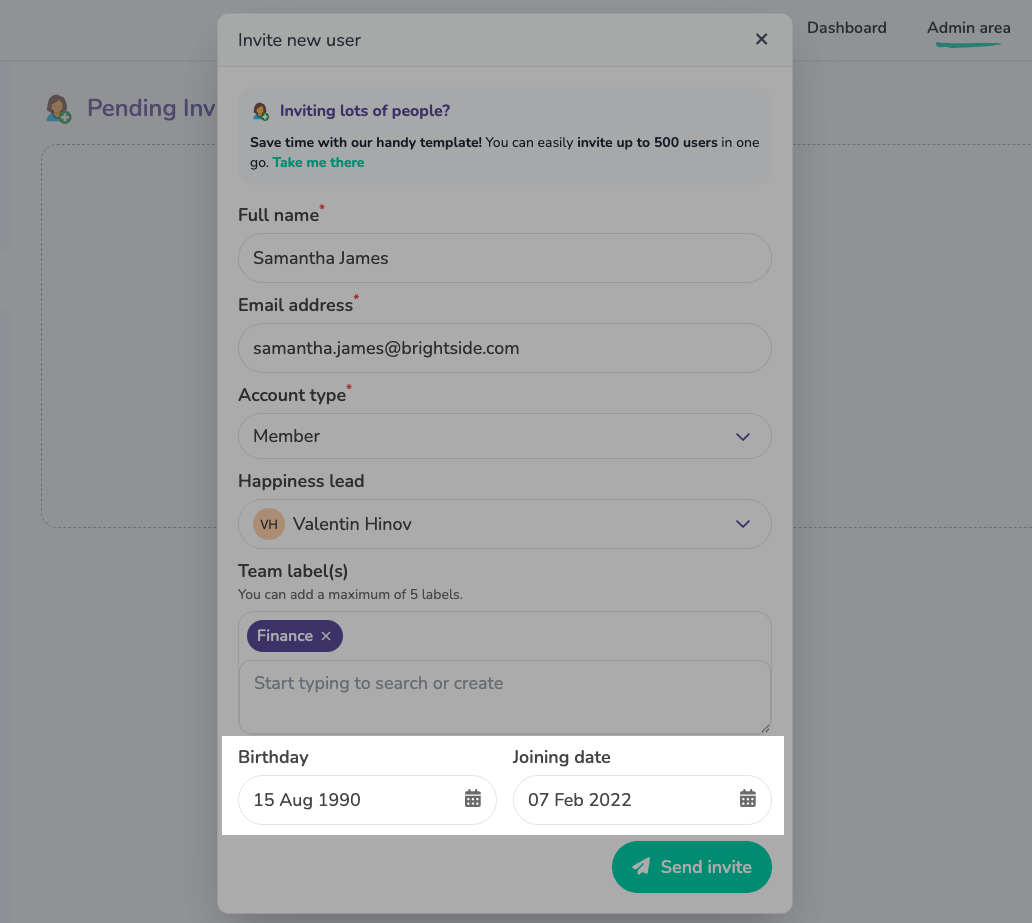
Option 1: Add dates when inviting a user
When inviting a new user to your organisation, you can include their:
- Birthday
- Joining date
Option 2: Edit dates for existing users
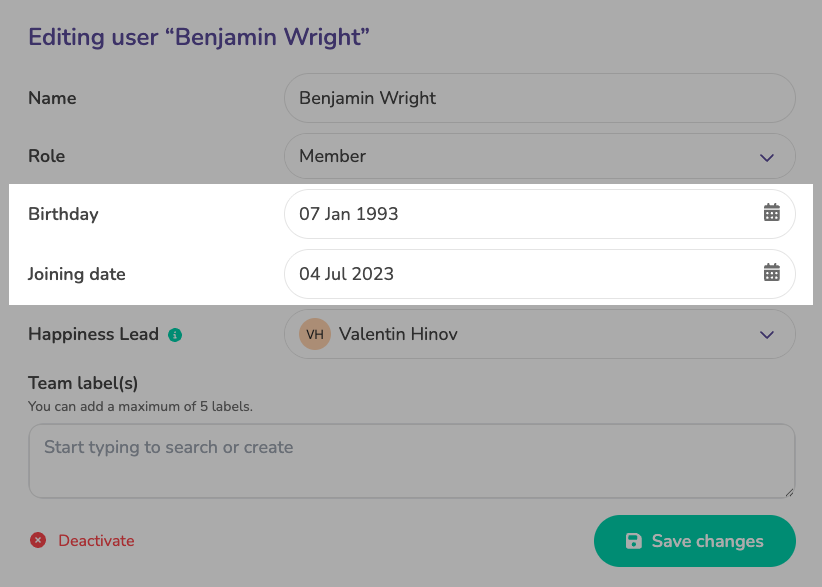
If a user has already been added:
- Open the Users tab in the Admin panel
- Select the user you want to update
- Click Edit user
- Add or update the Birthday and Joining date fields
- Save your changes
Important note about the joining date
The joining date refers to the date the user joined the company, not when they were added to your Teams workspace.
You can update this date at any time if it changes or was entered incorrectly.