.png)
How can I change the access privileges of users?
User access privileges can only be changed by the Owner or Admin of the organisation.
To change a user’s role:
- Open the Admin panel and go to the Users tab
- Select the user whose access you want to change
-
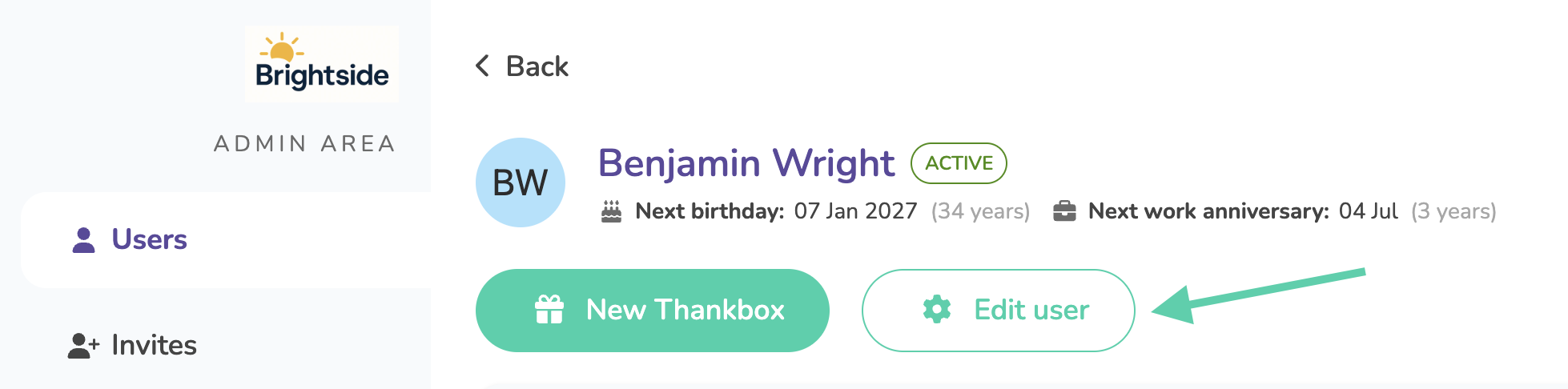
Click Edit user
-
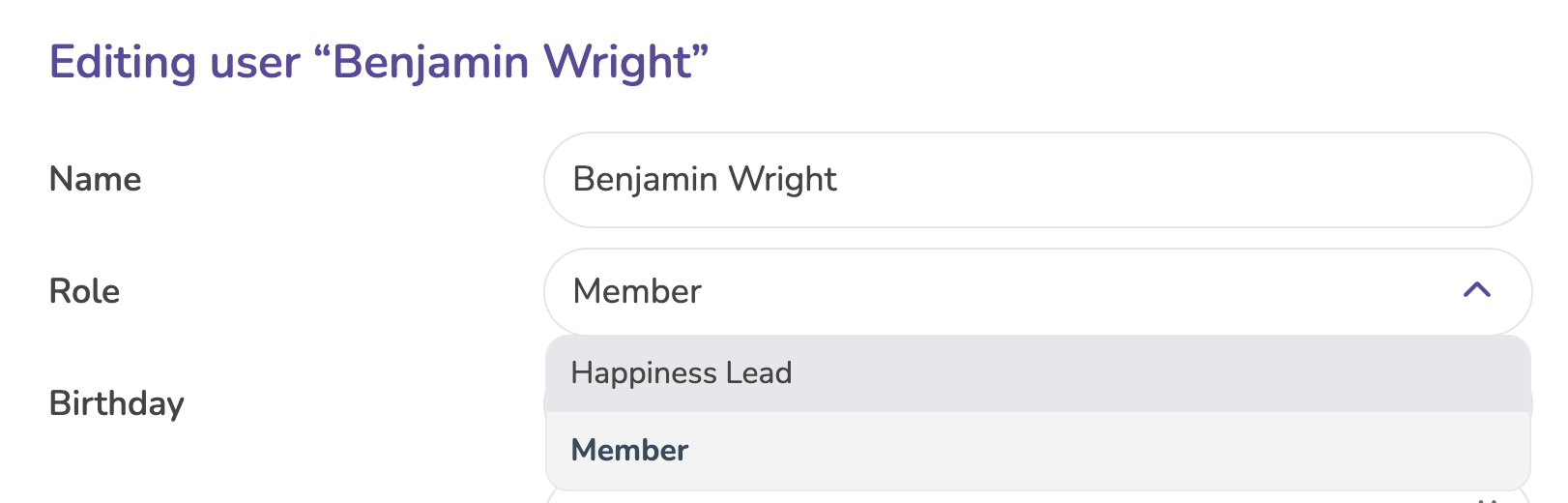
Update the user’s access level/role as needed
- Save your changes
The updated permissions will apply immediately.