.png)
How do I create a new company gifting wallet budget?
You're not limited to the budgets you set up when you first created the wallet. Add a new one whenever your organisation needs it.
- Go to the Company gifting wallet page
-
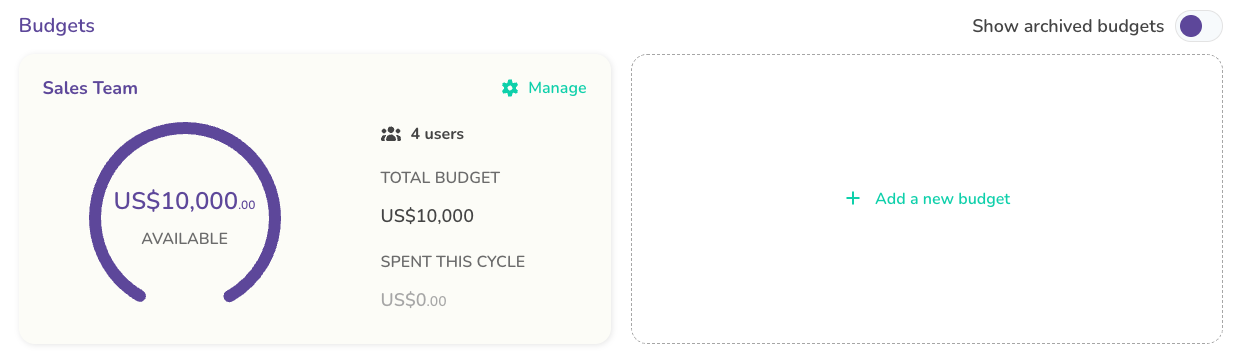
Click + Add a new budget
- Set up your new budget
- Add a Budget name, for example Marketing, Sales, or IT
- Set a Budget total, the total pool available for the cycle
- Set a Single transaction limit, the most anyone can put toward one contribution
- Choose an Allowance cycle, how often the budget total resets, for example Quarterly

- Save to add it to your list of budgets

- A new budget starts with no users. Head to the budget and click Add users to give your staff access.
