.png)
How do I top up my Gifting Wallet via a bank transfer?
Paying by bank transfer is the fee free way to add money to your Gifting Wallet, so it's the best option for larger top-ups.
Step 1: Open your Gifting Wallet
Go to your Gifting Wallet from your dashboard. You'll see your current unassigned balance, which is the money that's ready to use but not yet spent on a Thankbox. Select Top up.

Step 2: Choose your currency and amount
Pick the Currency you want to top up in, then enter the Amount. The minimum top-up is £10/$10/€10.
Each top-up is added to your balance in that currency, and balances can't be moved between currencies. If you'll be contributing in more than one currency, top up each one separately.
Select Continue.

Step 3: Select Pay by bank transfer
On the payment summary, choose Pay by bank transfer. The total updates to exactly the amount you entered, with no service fee or VAT added. Paying by card is quicker, but it carries a service fee, so bank transfer is worth it on bigger amounts.

Step 4: Send the transfer from your bank
Thankbox's bank account details appear on screen including:
- For GBP transfers: Account number, Sort code, Account holder, and Payment reference
- For USD transfers: Account number, Routing number, Account holder, Bank, and Payment reference
- For EUR transfers: IBAN, BIC, Account holder, and Payment reference
Use them to make the payment from your own bank account for the exact amount shown.
💡 Tip: Keep the page open or take a screenshot so you have the account details to hand while you set up the payment in your banking app.
Your wallet is credited automatically once the payment arrives, which usually takes 1 to 3 business days. There's nothing else to do in the meantime.
Step 5: Use your balance
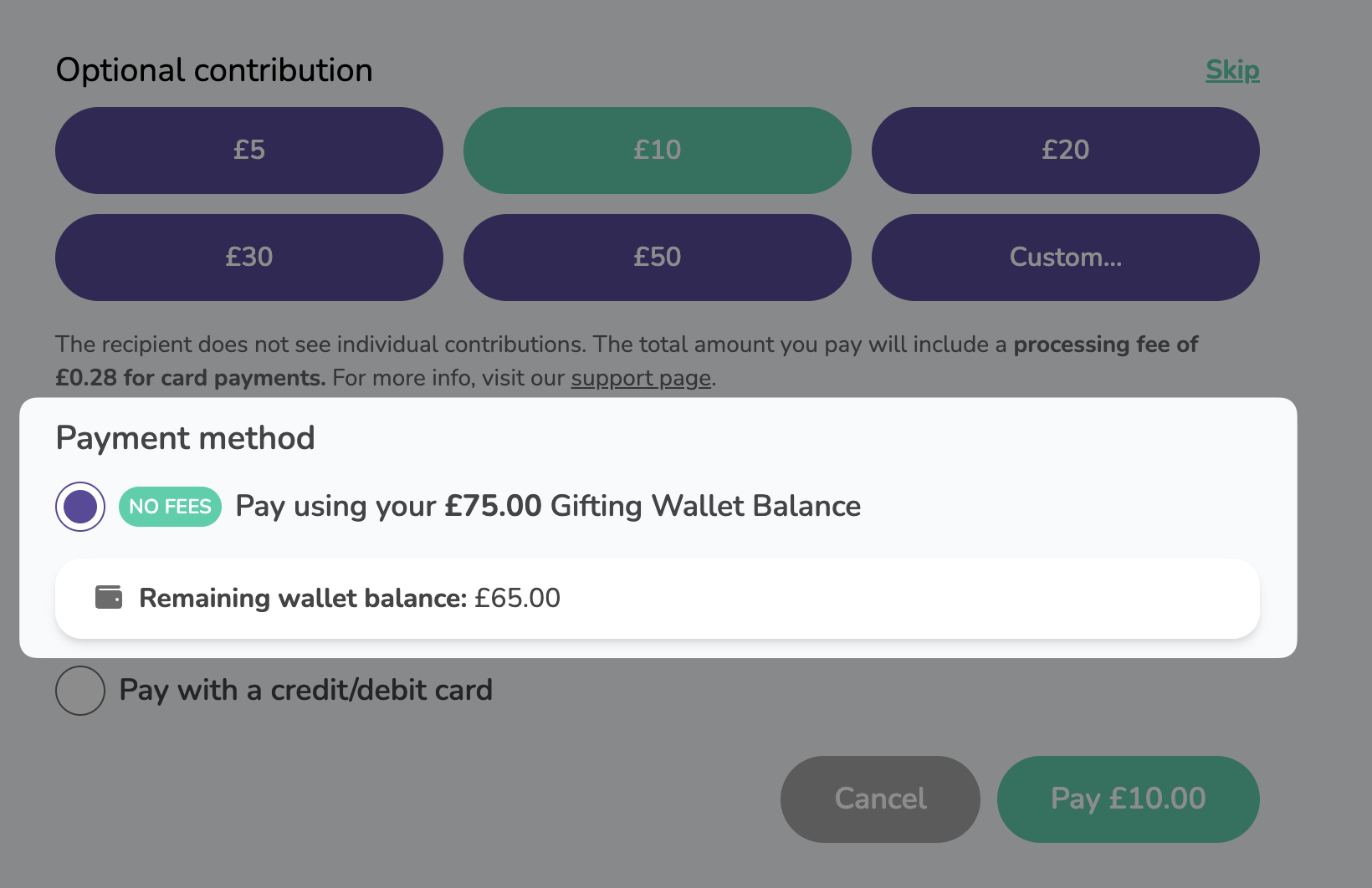
When your balance is topped up, contribute to any Thankbox as usual and select Pay using your Gifting Wallet balance at the payment step. The amount comes straight out of your unassigned balance with no extra transaction fees.
How will you identify my payment?
Payments are handled by Stripe, our payment provider, and yours is identified by the reference you enter when you make the transfer. Getting the reference right is what lets us allocate the funds to your wallet quickly.
The reference might look generic, but it isn't. It's specific to your transaction, so use the exact one shown on screen rather than typing something similar.
Once the payment goes through, you'll get a confirmation email from receipts@thankbox.com. If that email doesn't arrive, the payment most likely didn't go through, so contact support and we'll check it for you. The same goes if you're ever unsure about the amount or the reference.