.png)
How to reply to the contributors’ messages?
Do you want to express your gratitude towards everyone who has contributed to your Thankbox? Here is how you do it.
Open your Thankbox from the link you received in your email box and click on the Reply button.


Then you'll see a popup where you can type your thank-you message. You can also attach any media you like to go along with your reply - a Photo, GIF or Video go a long way to show your reaction.
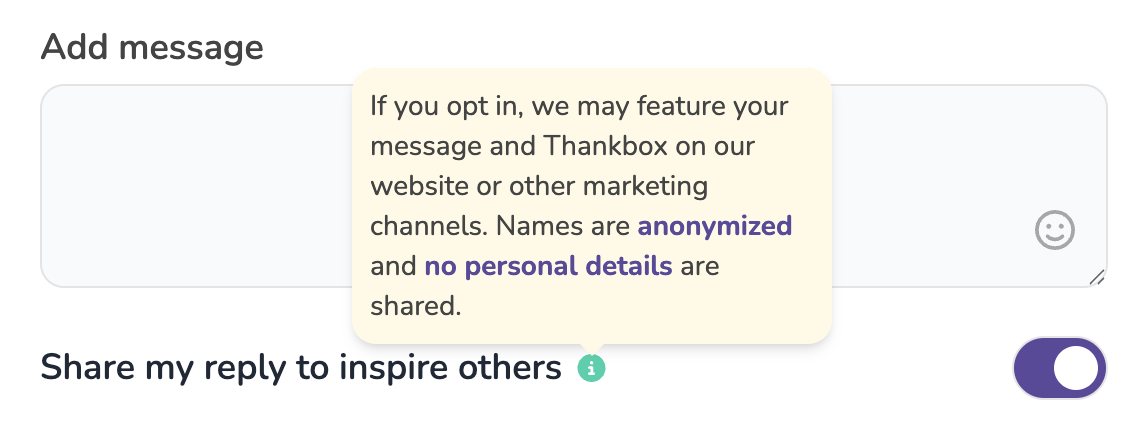
You can optionally choose to share your reply publicly - this gives Thankbox permission to share your Thankbox and reply on our website or social media accounts to help inspire others.
Proofread it before you send it because you won't be able to edit the message afterwards. Once you are done, click on the Send reply button.

How will others see my reply message?
Your reply will be emailed to everyone who left a message and it'll also appear on the Thankbox itself for everyone to access.

