.png)
How can I control what media is allowed in my organization's Thankbox messages?
Thankbox for Business gives you full control over what types of media users can add to their messages. This helps you keep Thankboxes aligned with your company policies, brand guidelines, or security preferences.
Who can manage media permissions?
Media permissions can be managed directly from the Admin panel. Only users with the following roles can update these settings:
- Owner
- Admin
Where to find media settings?
To control what media is allowed:
- Open the Admin panel
- Go to Preferences
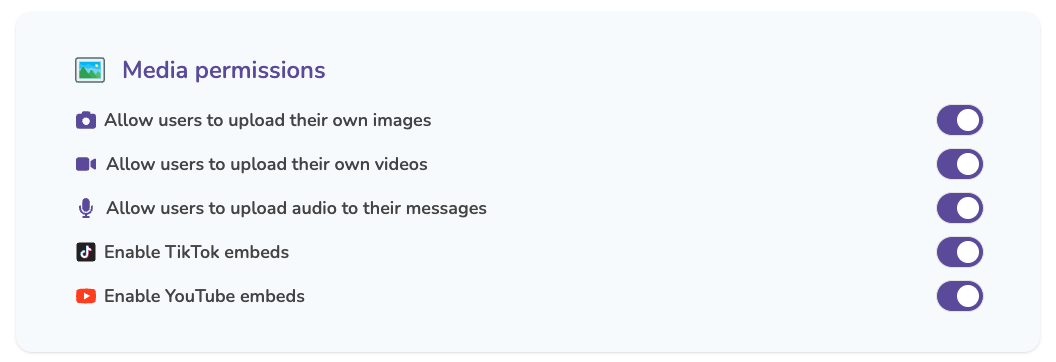
- Locate the Media permissions section
Here, you’ll see toggle switches for different media types.
What happens when a media type is disabled?
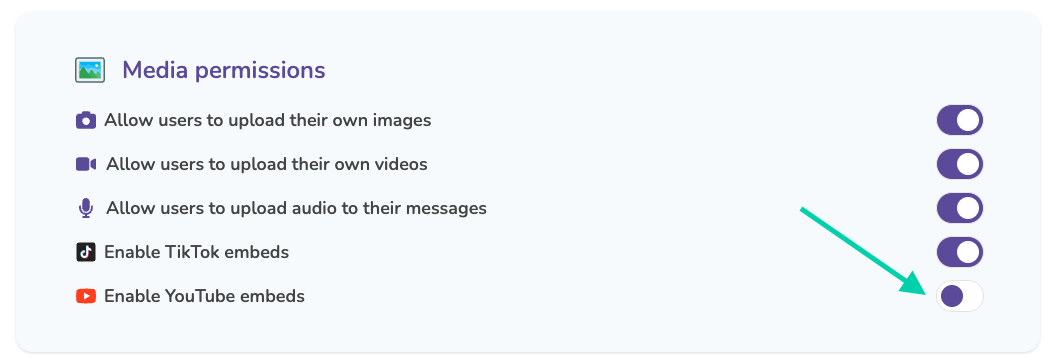
If a media type is disabled (for example, YouTube embeds):
- Users will no longer be able to add that media type to their messages
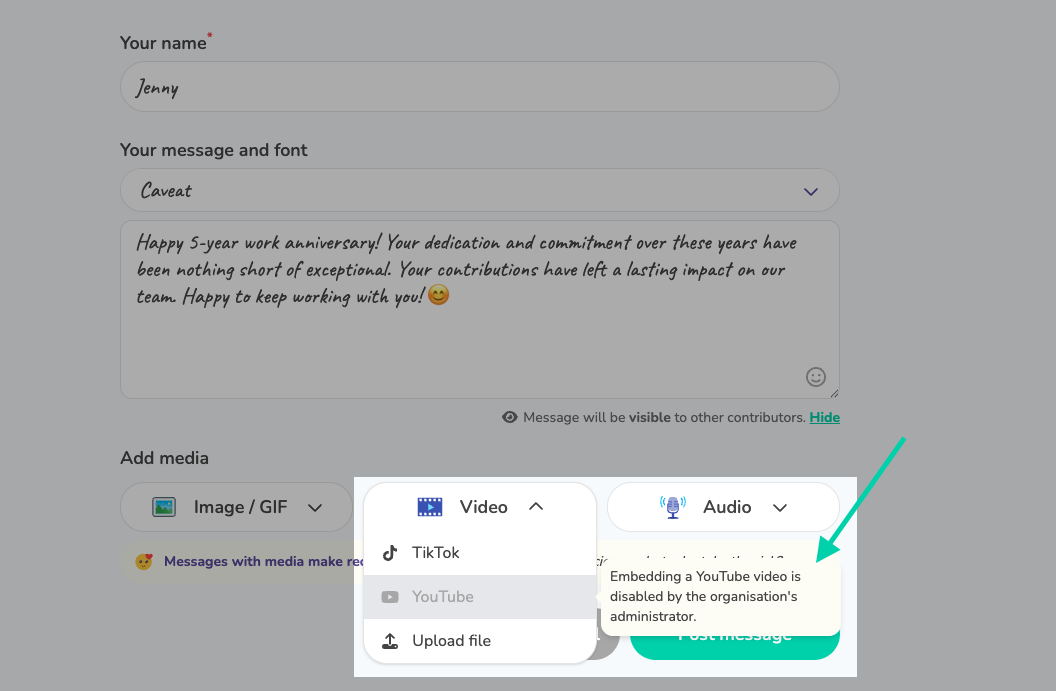
- The option will appear disabled in the message editor
- If a user tries to add it, they’ll see a message explaining that the feature has been disabled by the organisation’s administrator
E.g. Disabled YouTube embeds:
Alert message:
When do these settings apply?
Media permission changes apply immediately and affect all new messages added to Thankboxes across the organisation.